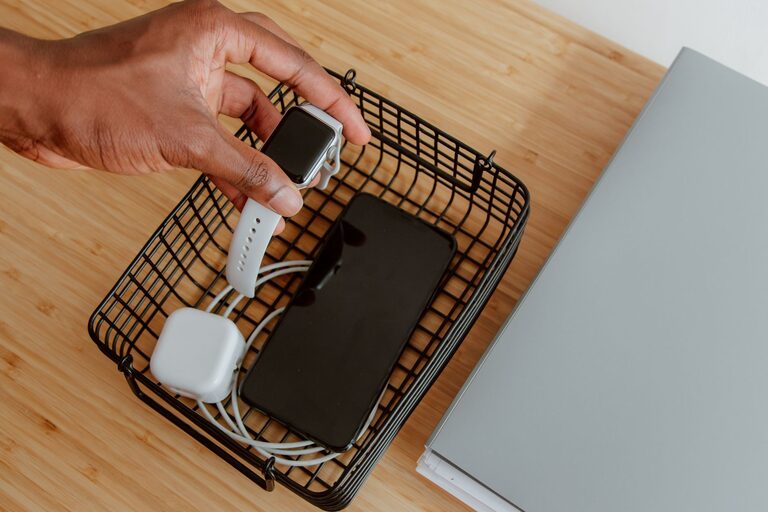

Keeping cables and chargers organized can often feel like a never-ending task. With multiple devices in our homes and offices, wires quickly become tangled and scattered, creating clutter and frustration. Fortunately, there are easy and effective ways to keep all your cables neat, accessible, and tangle-free. In this post, we’ll explore practical strategies to organize your cables and chargers, helping you maintain a tidy space and protect your electronics.
Why Organizing Cables Matters
Before diving into solutions, it’s important to understand why organizing cables is beneficial:
– Prevents Damage: Tangled cables can wear out faster or cause device damage.
– Saves Time: Finding the right charger or cable becomes quick and hassle-free.
– Improves Safety: Reduces the risk of tripping hazards and electrical problems.
– Enhances Aesthetics: A neat space feels more comfortable and inviting.
Now, let’s explore step-by-step tips to organize your cables effectively.
Step 1: Gather and Sort Your Cables
Start by collecting all your cables and chargers in one place. This helps you see what you have and decide how to store them.
Tips for Sorting:
– Group cables by type (e.g., phone chargers, HDMI cables, USB cords).
– Separate cables by length or frequency of use.
– Consider labeling cables if you have many similar ones.
Step 2: Declutter and Dispose
Not every cable is necessary. Some may be outdated, broken, or duplicate types.
What to Do:
– Test cables, and discard those that don’t work.
– Donate or recycle cables you no longer need.
– Keep only the essential and functional cables.
Step 3: Choose the Right Storage Solution
There are many storage options available, depending on your needs and space:
Cable Organizers and Holders
– Cable Clips: Stick to desks or walls to hold cables in place.
– Cable Sleeves: Group several cables inside flexible sleeves to reduce tangling.
– Cable Boxes: Enclose power strips and cables for a cleaner look.
– Cord Wraps and Ties: Velcro straps or twist ties keep individual cables coiled.
Drawer and Bin Storage
– Use small bins or drawer organizers to separate and store cables.
– Label compartments for easy identification.
DIY Options
– Use binder clips as cable holders on your desk edge.
– Repurpose old containers or containers with dividers for cable storage.
Step 4: Organize Charging Stations
For frequently used devices, setting up a dedicated charging station can save time.
How to Set Up a Charging Station:
– Use a multi-port USB charger to reduce the number of plugs.
– Position the station in a central, accessible spot.
– Incorporate cable clips or sleeves to keep cords orderly.
– Add labels for each device’s charging cable.
Step 5: Maintain Your Cable Organization
Organization is an ongoing process. Here are ways to keep it consistent:
– Regularly check and declutter cables.
– Always coil and tie cables after use.
– Avoid letting cables get tangled by using cable holders.
– Replace worn or broken cables promptly.
Bonus Tips for Cable Care
– Avoid bending cables sharply to extend their life.
– Use cable protectors or spring wraps near connectors.
– Keep cables away from heat and moisture.
Conclusion
Organizing cables and chargers neatly doesn’t have to be overwhelming. By sorting, decluttering, choosing the right storage tools, and maintaining your system, you can create a clutter-free space and enjoy easier access to your devices. Try these tips today and experience the satisfaction of a tidy, hassle-free setup!
About the Author